Labels

Showing posts with label Practical. Show all posts

Practical Work - Evaluation Questions

Final step. The evaluation of this project.

To end to this project off I'm going to do something a little different. There are four questions in this evaluation that I have to complete, in as strong a detail as I can. If I can't answer these questions, there is something that I've done wrong, or missed out on during my time doing this project.

What I'm going to do is, instead of doing long written answers in my traditional blog posting style, I'm going to do a voice recording of me answering each one, and provide a video alongside it. It's much better than reading through an otherwise boring evaluation, and I have more freedom to express the answers in my own words.

Now let's see then if I've done enough to answer each of these properly, without having to lie, waffle, or drag out any of my points. Here we go.

Also here is the link to the written notes I used to make these videos.


1. In what ways does your media product use, develop or challenge forms and conventions of real media products?


2. How effective is the combination of your main product and ancillary tasks?


3. What have you learned from your audience feedback?


4. How did you use media technologies in the construction and research, planning and evaluation stages?


And wow! That is it! We're done, finally! I cannot say how pleased I am to finally get this last post put up and can finally put the lid on this coursework once and for all. It's unlikely I'll be coming back to this blog anymore. MOBO is however very promising as a game, so I might be tempted, if I have the time and money and skills, to make it into something more. 

As it is, its only purpose now is to get me a grade for my Media Studies A level, and damn I hope it's a good one. i've put hours and hours of work into this blog. from seven posts on my previous blog, this final post marks the 40th on this one! That's how much more work I put in from last year. Now I'm off to catch up on all of the hours of sleep that I lost while doing all of this.

So anyway, I really hope you've enjoyed following along with this work, the view count is greatly appreciated. More than 2000 views is a very satisfying amount of views to have for this.
Thank you so much for taking the time to read, and if you find something else in the future that you decide to follow, make sure to stay updated! 

This is the blog of Sam Thompson and I can officially say, this coursework is at long last finished!!!

Practical Work - The Main Task

My main piece you might remember is to create two TV adverts for the game I've come up with. This post is your navigation page for the various stages of creation. It's more digestible I've discovered, to have a few small posts, rather than one big one.

I won't publish every post at the same time; I'll be doing it in stages. An Ideas Stage, a Development Stage, a Creation Stage, and a Feedback Stage. They'll come in that order so keep updated for when each one comes out.


Click on any of the links below to visit the page you're interested in.

The Ideas Stage
The Development Stage
The Creation Stage
The Completed Trailers

Practical Work - Ancillary Task 2 - Magazine Advert

This is the work for the second ancillary task, which is a single page magazine advert to promote my game.

I remember when I did the post into types of advertising, magazine adverts were one of the types I highlighted as being one of the more common ways of game advertising. I may do the hyperlinked pages as well if I have the time, but for now this task and the cover artwork are the ones I'll be doing.

The way I'll do these tasks is that I'll need to do prior research to accompany the finished product, so this is a research post as much as it is a practical one. To make the work digestible for your eyes I'll divide the different sections of this task into different pages. 

Click on one of the links down below to be taken to the respective page. Take your pick and enjoy the read:

A Look into Game Ads in Magazines

Common Conventions of Printed Game Ads

Creating the Magazine Ad

Practical Work - Ancillary Task 1 - Game Package Cover

Here we start work on the first of the ancillary tasks. I'll be doing at least two of these tasks, possibly three depending on time constraints. This first one is to design a mock cover artwork for the game's package.

There is one tiny flaw however, and that is that app games don't possess actual game packages, because they're downloaded straight from the online app store. They do however have something else, that can be considered as their equivalent of package artwork, and that is their game
icon.

Games have package artworks to distinguish them from each other. Similarly app games use icons to distinguish themselves, and as such I'll be designing the actual icon for my game, that shows up on the store and on the smartphone once you've bought it.

The way I'll do this task is that I'll need to do prior research to accompany the finished product, so this is a research post as much as it is a practical one. To make the work digestible for your eyes I'll divide the different sections of this task into different pages.

Click on one of the links down below to be taken to the respective page. Take your pick and enjoy the read:

App Game Icon Analysis

Common Conventions of App Game Icons

Creating the Icon


App Game Icons Image

Practical Work - MOBO - The Concept

I know I've been talking an awful lot about what my game involves, but haven't really given you much
detail up until now. Well that's going to change right now.

You may remember that on my first post, where I talked about what inspired me to choose this brief I left two things at the bottom as a teaser for what was in my mind. Here they are again -

CircuitBoard


That was in september. Since then I've done a good deal more thinking regarding this project, and now I feel I've sufficiently done enough to expand on these two things. So without further ado I give you my game concepts.

I decided not to put this all as a single post because my previous blog suffered from extremely lengthy posts, in its practical posts in particular. As such I'm trying to make this a bit more digestible for you viewers. The concepts are split up into 5 different sections. I'd recommend reading each one since they each play into each other. Click on any one of the links below and you'll be taken to the respective page.

1. The Setting
2. The Mechanics
3. The Objects
4. The Playable Character
5. The Name

Practical Work - Getting Started - The Inspiration and The Initial Idea

So you might remember that on the home page I said that I was hoping for an idea to come to me. Well an idea did come to me, and not that long after properly starting this project.
You see during the summer before I came into Year 13 and began this blog I got really into a game that my brother has on his IPad. The picture to the right is a screenshot of the game in question.

Those of you who are into Android and Smartphone game apps may recognise the game as Candy Crush Saga. A relatively new addition to the vast variety of different game apps that have been released since the Ipod Touch first came out.

This game takes the well-known and often addictive match-three game style and gives it a new colourful twist to make it a new and surprisingly original game, with well over 100 surprisingly difficult levels to clear and only a certain amount of lives to do it in before having to give it a rest and patiently wait for the lives to be replenished.

It's a very simplistic game, recycling a very old and well known playing style, and the levels all involve exactly the same principle to complete them - line candy up to clear the board and shoot for a high score, and yet this game is fast becoming one of the most successful games of its kind, if not the most.

Now I'll just give a little insight into my personal taste in games. I'm into console games full and through, though I do own the Nintendo 3DS as well, and I also don't own any kind of smartphone or equipment that utilizes touch screen technology (3DS excluded). I see android games being played all of the time, normally through passive glances at people with their heads immersed in them, or watching someone else play and sometimes giving what I deem as helpful advice.

I have played smartphone games before, namely the really well known ones like Angry Birds, Temple Run, Subway Surf and Jet-pack Joyride but don't avidly play them to a point where I want to go back and play more of it, or even moreso make me actually want to get a smartphone just to play them. I can however recognise them as being addictive games, although I could never really put my finger on why they were addictive until I started playing Candy Crush and actually started contemplating the question in earnest.

For someone who wants to become a Game Designer, understanding the elements of games that attract people to play them and no less keep playing them is one of the key things that you need to know if you want to make commercially successful games, and now that I have to design the basis for a potentially successful game in order to pass my Media Studies course, I figured let's try and find the answer to that through doing this project; killing two with one stone which is always how I prefer to work.

Now I just told you all of that so that you could get some idea of where my trail of thought and inspiration for this project came from. I want to answer a personal question through doing this course:

"What is it about every commercially successful game out there that has made them as successful as they are?"

To answer that I'm going to start analysing the particularly successful games out of the genre that has fast become infamous for the addictive quality of its games - App Games or Smartphone Games.

And ultimately to this end, through playing Candy Crush and becoming vexed by how such a simple game can be so popular, I intend to ultimately create the prefix for a potential Game app that will hopefully boast the qualities of a successful game.

Now finally we come to the idea itself. There's very little to show at the moment except for the name of the project (also subject to possible change in the future) -

CircuitBoard

There's also this rough plan that I did at the end of one of my classes when I decided to put something down on paper. It's a little insight into what I have in mind so that you can begin speculating.


Right now this is currently all there is. Once I have more ideas and maybe have some research under my belt I'll put up another post that expands on this. It's too early to head off in any particular direction at the moment, but once I have something definite I'll put it up. For now you can guess and speculate, but keep tuned in for more in the future.

Also this post is a means to explain the direction that I'll be taking for this task. As I've already definitely settled on looking into app games as the main focus of my project.

So heres an introduction, and now the work begins. I've got a question to answer.

See you next time!

Practical Work - Unity (Scrapped) and Blender

http://correctspellingofskilful.blogspot.co.uk/p/practical-work_14.htmlNow it's no lie to say that I have next to no experience when it comes to actual productive game making, or even animation in genral. I'm more of an ideas man, and as such I've come up with countless ideas in the past, but very rarely expanded on them to make them something real. For that reason, between now and my last update in the practical work section, I've been working away from the blog to learn how to use two different computer programs -

Unity - The Game Engine

A version of this software is available free of charge if you're not using it for commercial means or if you're still in education, both of which I currently am. I chose this due to a recommendation from someone I know. I personally haven't used this before but it can support the vast majority of major smartphone OS types, and can also support all of the mainstream home games consoles.

Commercially it's counterpart Unity Pro is available for $1500, and notable popular games that have been created using Unity include Temple Run and Temple Run 2, Slender: The Eight Pages and its sequel Slender: The Arrival, Dead Trigger and also the Bad Piggies update for Angry Birds. As such it holds good ground as an ideal software to work with, and even if I so wanted to I could still use this software commercially to create games if I so chose to in the future. It also has online training in how to use the software and also various projects to create using the softwares available utilities and assets. As such I have the chance to learn everything I need to create the game. In fact I have managed to create a very basic game using one of Unity's online tutorials. It's a game called Roll-a-Ball and it's a good first step for a beginner. I'll see if I can get a link up below to various versions of it that work on either a Windows or Mac system. If not then I'll post a link to the Unity page with the project on to show you what I did, as what I produced is practically identical. -

This program enables games to be put together using available assets and also has its own scripting program so that you can create the code yourself. As far as assets and materials go, some basics come with the software, others can be imported from the software's asset store. Unity itself can't be used to create materials. 3D Models, textures, music, sound effects and animation all have to be created on external software and then imported in. In my case the main concern is in the modelling aspect, which is why I am also learning how to use the software  -


Blender - The 3D Modelling Software

This software has been around since 1998 and is a very well known and commonly used software by graphic designers to produce 3D shapes. The software is completely free and changeable, and has been used commercially in the media industry since its release. I chose Blender based partly off of recommendation, partly off of my own prior knowledge, and also due to to me finding out that Unity couldn't be used to 3D Model. As such I conducted a search on the best modelling software to use and Blender came at the top of the list. I had also seen it used when I once paid a visit to a video game company, and had also seen it on the laptop of one of my friends.

3D Modelling was an entirely new area for me, and still is. As I said before, I'd never done anything like this in the past, although I have a lot of skill at doing precise drawings and also creating models in real life. Unlike Unity however, I chose to teach myself how to use Blender and also tried to get some practice in at creating objects to prepare myself for the project. My style of creation is to initially draw out or construct the shape in real life to get the measurements and a better idea of how the shape will look. The second step is using the drawing or model as a blueprint to construct the 3D object in Blender itself. Currently I can only construct the shape of the objects. I haven't yet learned how to texture them, but it's still early learning for me

From the front the software looks very complicated, and I'll openly admit that I didn't know where to start with it. The main functions that I did learn through trying it out for the first time; the real basic key functions, were adding shapes into the area and adjusting their position, shape, and rotation. I tested out Blender by using trial and error to create a 3D version of a drawing that I'd done a few days prior. The images shown below show what the drawing was, and how it turned out when put through the blender. Hopefully in the future I can update this with a textured version of this but for now this is what we've got.


So that's what I've been occupying myself with this whole time. These are currently the software I'm learning to use in preparation for the project. On a side note, there is a good chance that I'll update this post as I learn and do more on the project, so keep of this post. You never know, something new may show up. This is however only a post to show preparation and learning of the software. There won't be anything that may appear in the final game on this post. That will be saved for later on.

At the time of originally publishing this post however I can reveal that I have done some work towards it, but the details are a reveal for a later post. I also hope you liked my game analysis posts that I've put up. You can expect more research before I put up the next Practical post, but I can promise that it will cover elements of the main game as its topic.

Till that time keep your windows open!


Update (21/12/13) - Texturing a gem piece to be transparent crystal -

As I stated before I wanted to texture this creation to make it into what I'd imagined it to look like. I realised however that my original work had disappeared, meaning I had to start again. As such I recreated a single gem piece with the intent of texturing it to make it look like a piece of green crystal glass. I did research on texturing within blender to learn how to do so, and the end result was this rather beautiful item rendered on the screen. I have to say I'm pleased with myself.


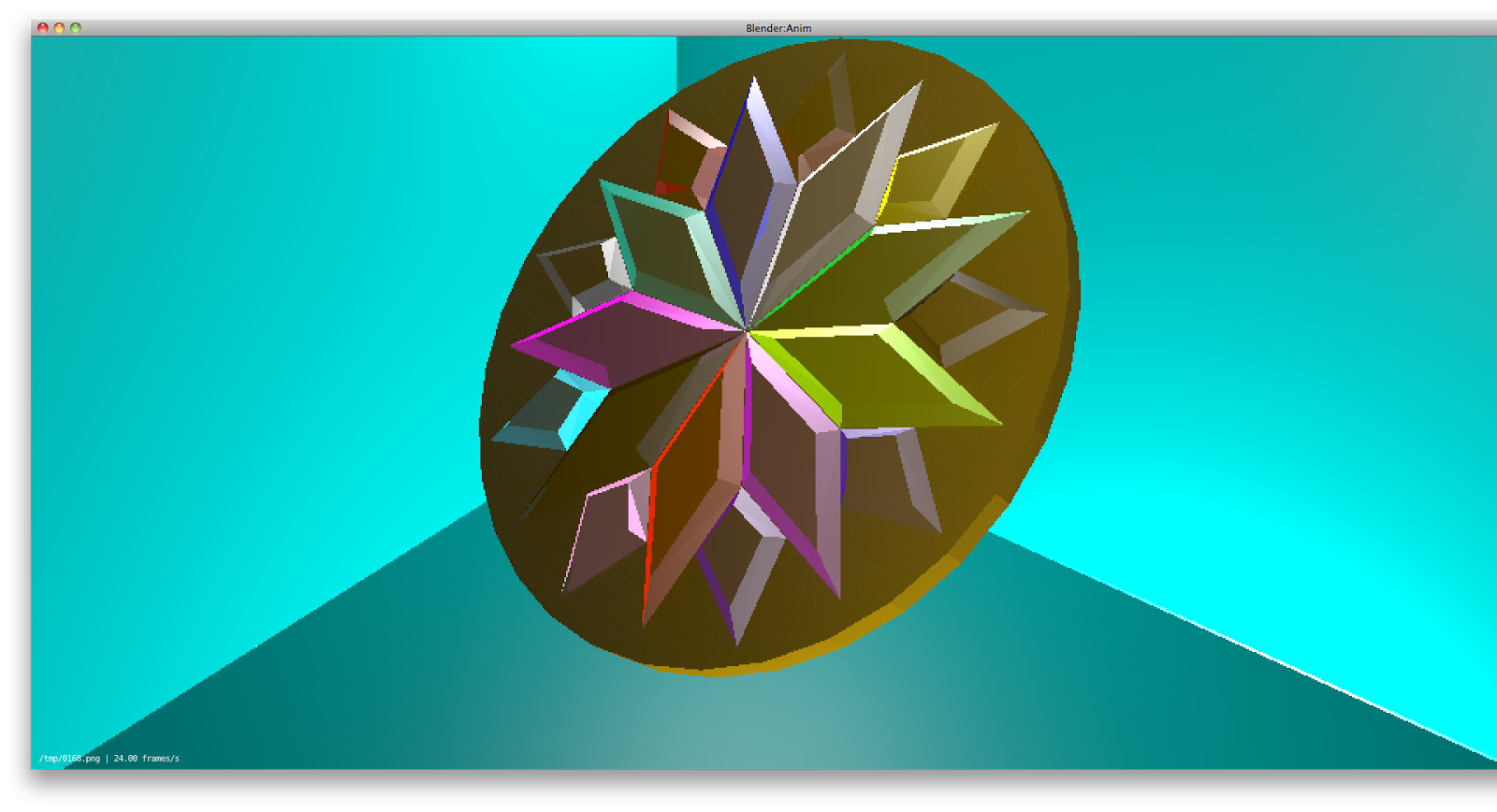
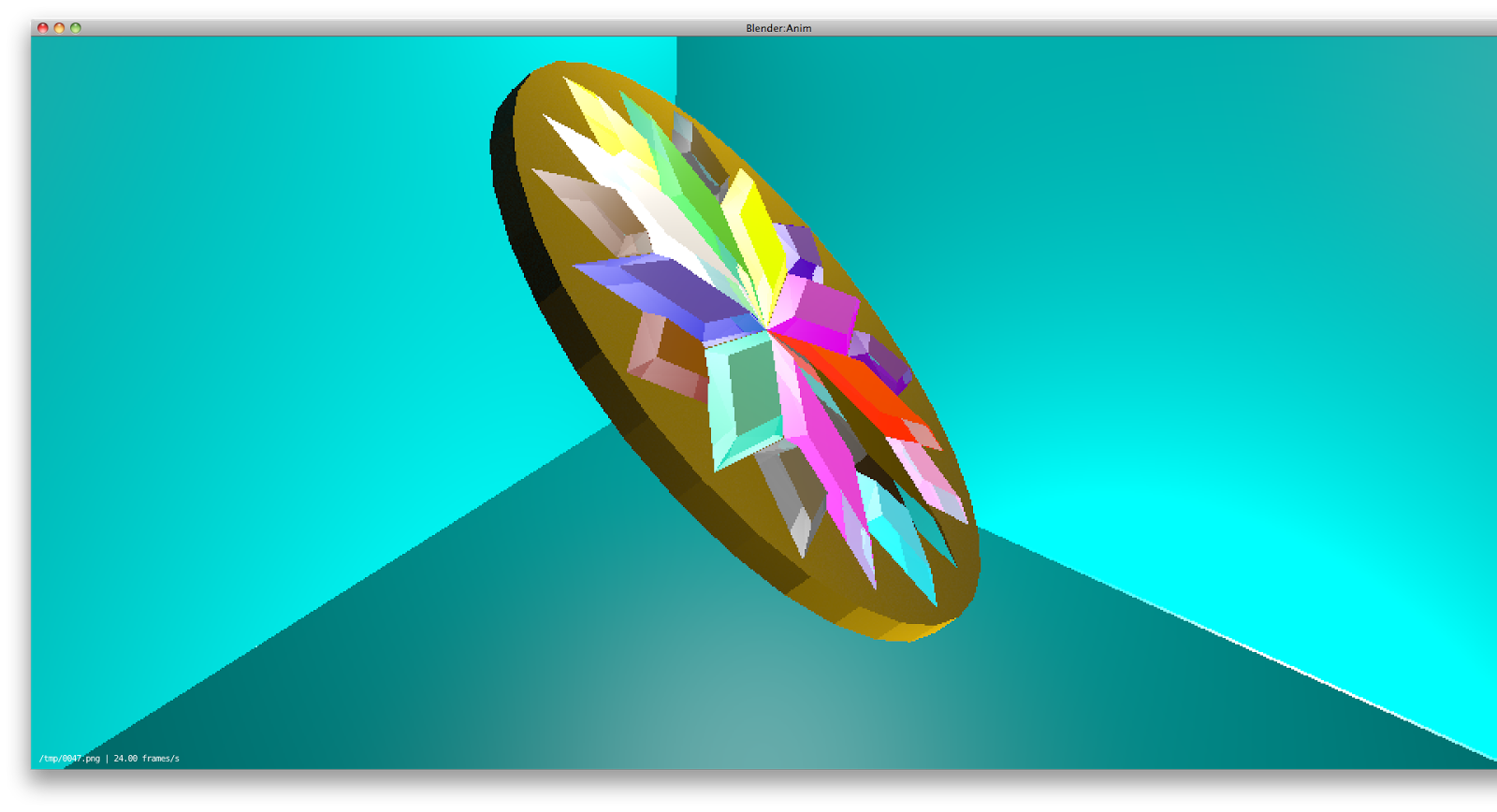
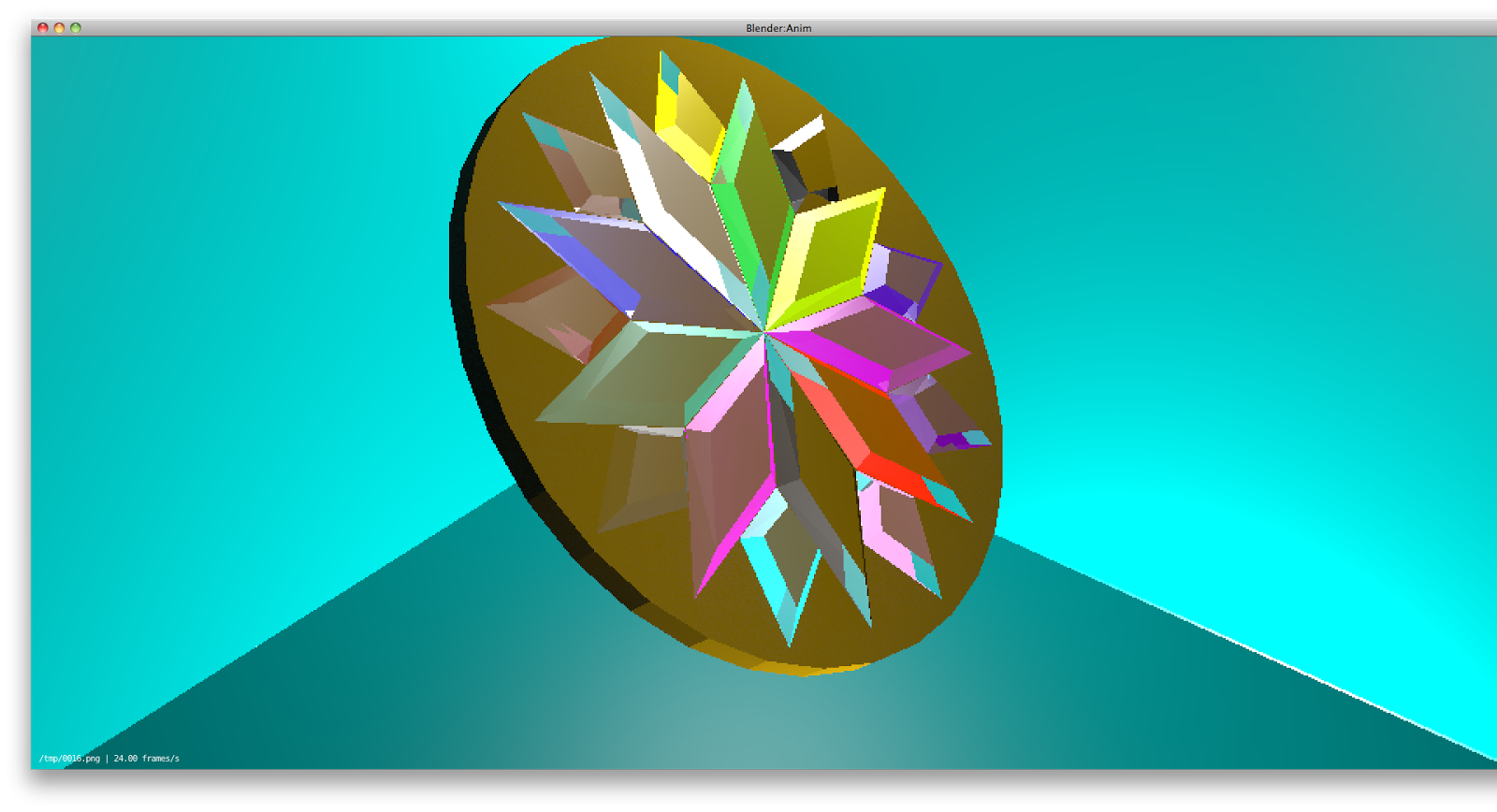
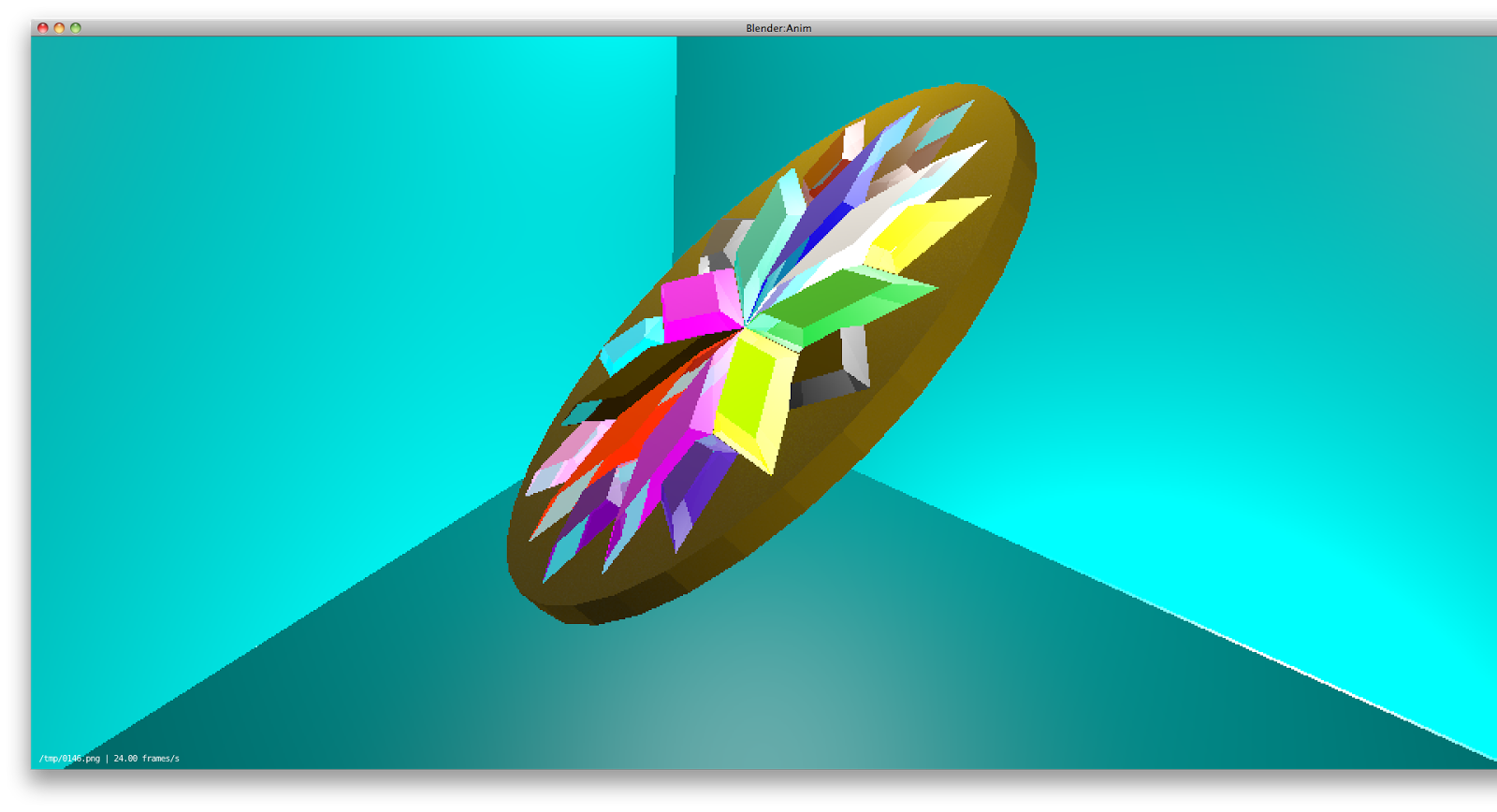
The following day I took it upon myself to create the remaining shards that made up the centre piece of the medal. I'm a sucker for crystals of different colours and it would give me practice, so I thought why not? I gave a staple texture and transparency setting for all of the shards and then modified the colour to suit the colour on the original drawing. It was more efficient than working out individual texture settings for each one. The picture shows the finished rendition and I must say that I love what has been produced.

Update (1/2/14) - Steady Improvement, and learning to animate -

I couldn't get the animation itself up. I hope these give an idea that the shape was in a rotation animation. I was hoping to get this animated because of the crystals; the light casting through them makes them look different each frame. This is the result of me going through a set of video tutorials on youtube, detailing how to use blender effectively. They're by a youtuber called BornCG, and I learnt the basics of animation along with many other things through watching his videos. They've been a tremendous help in this project of mine.

I'm glad this gave me some practice at it. It's been a warm up to the actual animation I'll be doing. Modelling, texturing, animating, coding, and ultimately putting it all together. I've got to learn each one of these to make the game. Currently I'm confident, although there are no guarantees. It may turn pear shaped yet, but I'm so far pleased with my progress.


Update (20/2/14) - Brief Change - Scrapping Unity, but Pressing ahead with Blender -

This may or may not come as a surprise to you, depending on whether or not you saw the update post I put up but either way, with the change in briefs I've had to also change around the programs I'll be using. Even before the brief change I'd barely touched Unity, but I'd watched tutorials for using Blender, created some of my own 3D meshes, and had practice at animating. I won't deny that this was one of the reasons why I decided to change briefs.

With the goal now being to create a TV advertisement, there's now no need for Unity to be used in my project. Instead my plan is to create a physical level and character inside inside Blender, and use the animation feature to bring it to life and create a video.

As such Unity isn't really important now, although maybe in the future I can properly learn it. It won't a part of this new project though, but I'll still keep the part of this post relating to it up to show the work was done.

I hope my posts are a good read and there'll be more to come in the future. Till that time, stay updated!